One app carries the whole service — the channel grid, the EPG, the film and series library, and your account. Install it once on the screen you actually watch on and it stays signed in.
It opens on a numbered channel guide with an EPG behind it, so finding a game is scrolling rather than guessing. The 70,000-title on-demand library sits in the same place rather than a second app, and streams step down cleanly if your line dips instead of stalling on a spinner.
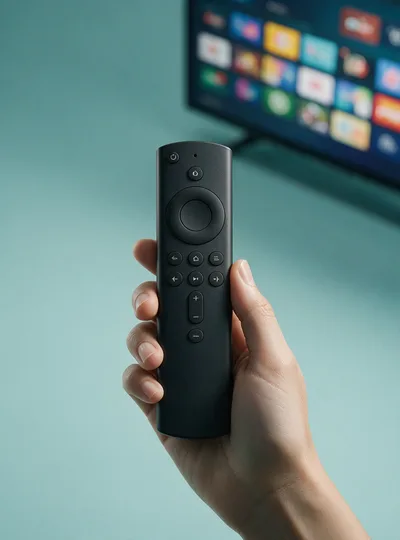
Pick the row that matches your hardware. The setup guide has the same steps with screenshots if you would rather follow along.
Use the Downloader app on your Firestick or Android TV box. Open Downloader and enter the code below to fetch the IPTV America APK directly.
Take the file straight from the link. The device will ask permission to install from this source the first time — allow it, then open the download to finish.
iptvamerica.tv/catchontv.apkUse the TV's own browser to fetch the file, then allow unknown sources in the TV's settings and install from the Downloads folder. Exact menu names differ by brand — the setup guide lists them per manufacturer.
Download APKThe same login works on each of these. How many can play at once is set by your plan, not the hardware.
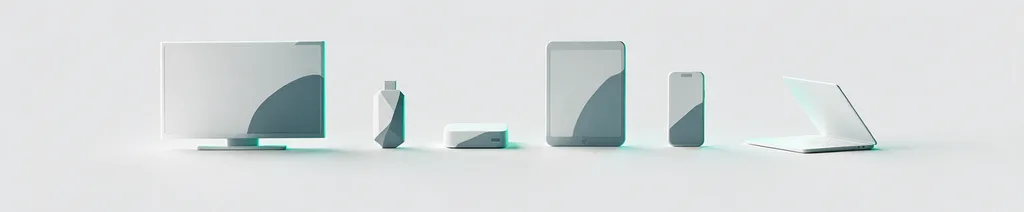
Nothing here needs a technician, and none of it touches the wiring in your house.
Use Downloader with code 5728794 on a Fire TV Stick, or take the APK directly on Android and Smart TVs.
Open the app and type the code from your email. It is asked for once — the app stays signed in afterwards, so there is no login ritual every evening.
The guide loads and you are watching. Favourites are worth setting early so the grid opens on your channels rather than at number one.
The 24-hour trial runs the real app on your real TV, and no card is taken to start it.